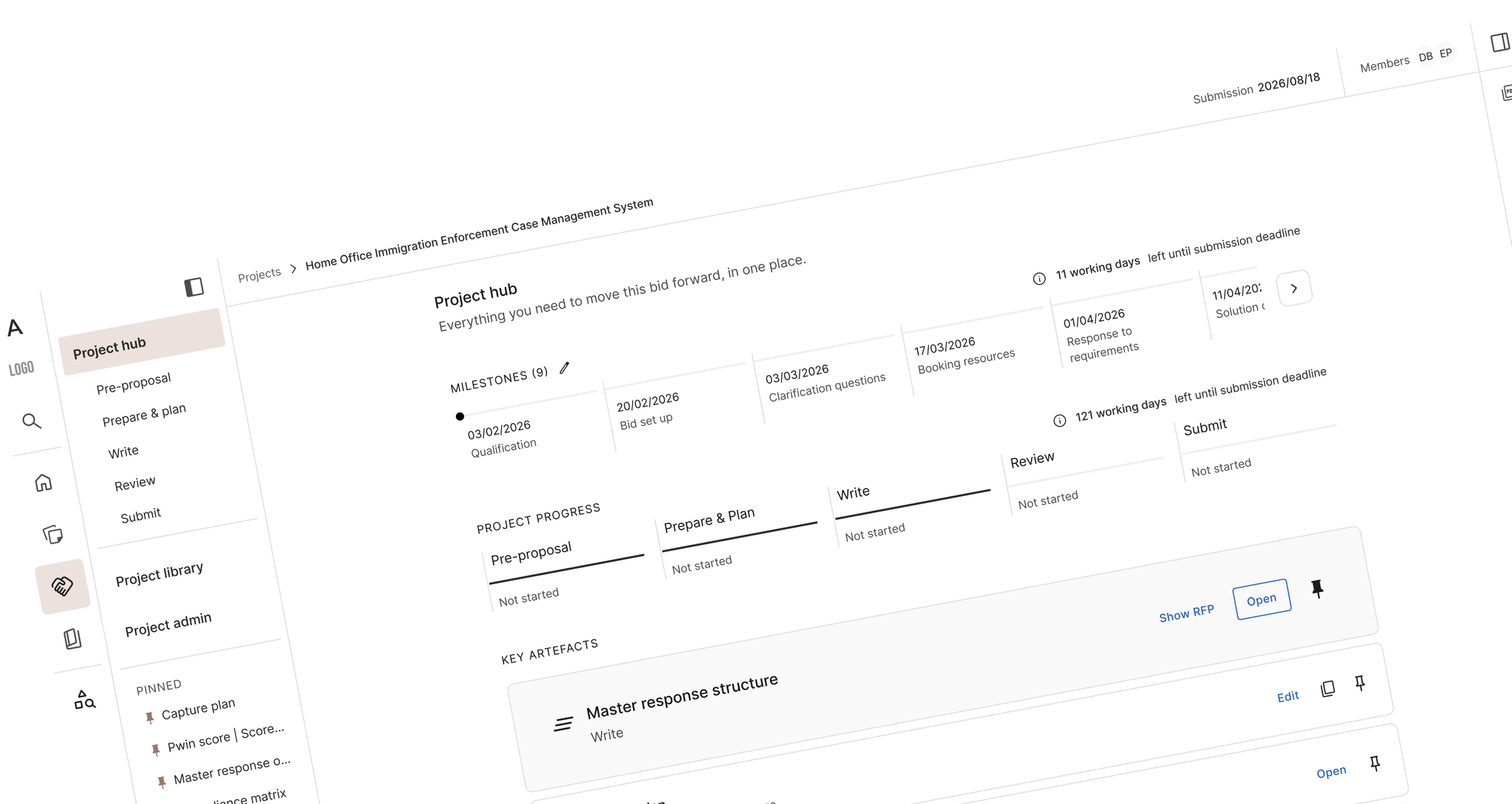
A new Design-Led Vision for 2026 at Autogen AI
This year design & research (3 people) have paired as a small unit to rethink the future of our app from the ground up in order to increase engagement and gain new clients.
The mission
AutogenAI customers were churning because the product asked them to jump between disconnected tools to get a proposal out the door. My job, alongside my designer colleague and the researcher was to fix the broken journeys and create a fully unified User Experience to help clients get the best tools in one place for managing and writing winning proposals.
CS & Sales feedback
“I wanted to give a MASSIVE, MASSIVE, MASSIVE shout-out to our amazing Product team for delivering the redesign and most importantly, for really listening to and acting on all the design product feedback from the CS team. The amount of hard work that has gone into this over the last three weeks has been incredible.
We delivered multiple training sessions in UK today and have received nothing but positive feedback.”
— Customer Success and Professional Services Leader
“Assistant V3 is going to be such a game changer for our users and how we enable people customers!”
“This is all making AutogenAI feel consumer grade & slick. Love it”
“You're surely not about to tell me customers can reply in portals”
— Bid Consultants & CS at AutogenAI
A whole new vision
This year design & research have paired as a small unit to rethink the future of our app from the ground up in order to increase engagement and gain new clients. We have published an article about it.
UX Strategy
✳︎
Design Thinking
✳︎
Iterative Prototyping
✳︎
Research & Insights
✳︎
Stakeholder Management
✳︎
UX Strategy ✳︎ Design Thinking ✳︎ Iterative Prototyping ✳︎ Research & Insights ✳︎ Stakeholder Management ✳︎
The process
Design Thinking, finding the concept
Weeks 1-3
Iterating with clients and Bid Experts
Weeks 4-6
Thinking about the whole app with the new vision and applying it to the rest of the sections. Validating the concept and feasibility with our trios (PMs & Teach Leads)
Week 7-9
Validating last version with Stakeholders (CEO, CPO, Bid Experts)
Weeks 10-12
Absolute clarity.
Built to win.
I have worked hand in hand with my designer colleague and the research lead, very intensely, to deliver a whole new vision of AutogenAI for 2026.
It was a long 12 week process (January-March 2026) involving a huge amount of strategic, deep design thinking and iterative project that was solely based on insights from our Bid Experts and some of our clients.
The main objective of this project: avoid churn and gain new clients who stay with us because they love our product.
To date, that’s the project I’m most proud of and that was the most challenging of my whole career. We were lucky enough to have the full trust of the business to come up with a deeply design, research and product led solution.
Discovery & explorations
January 2026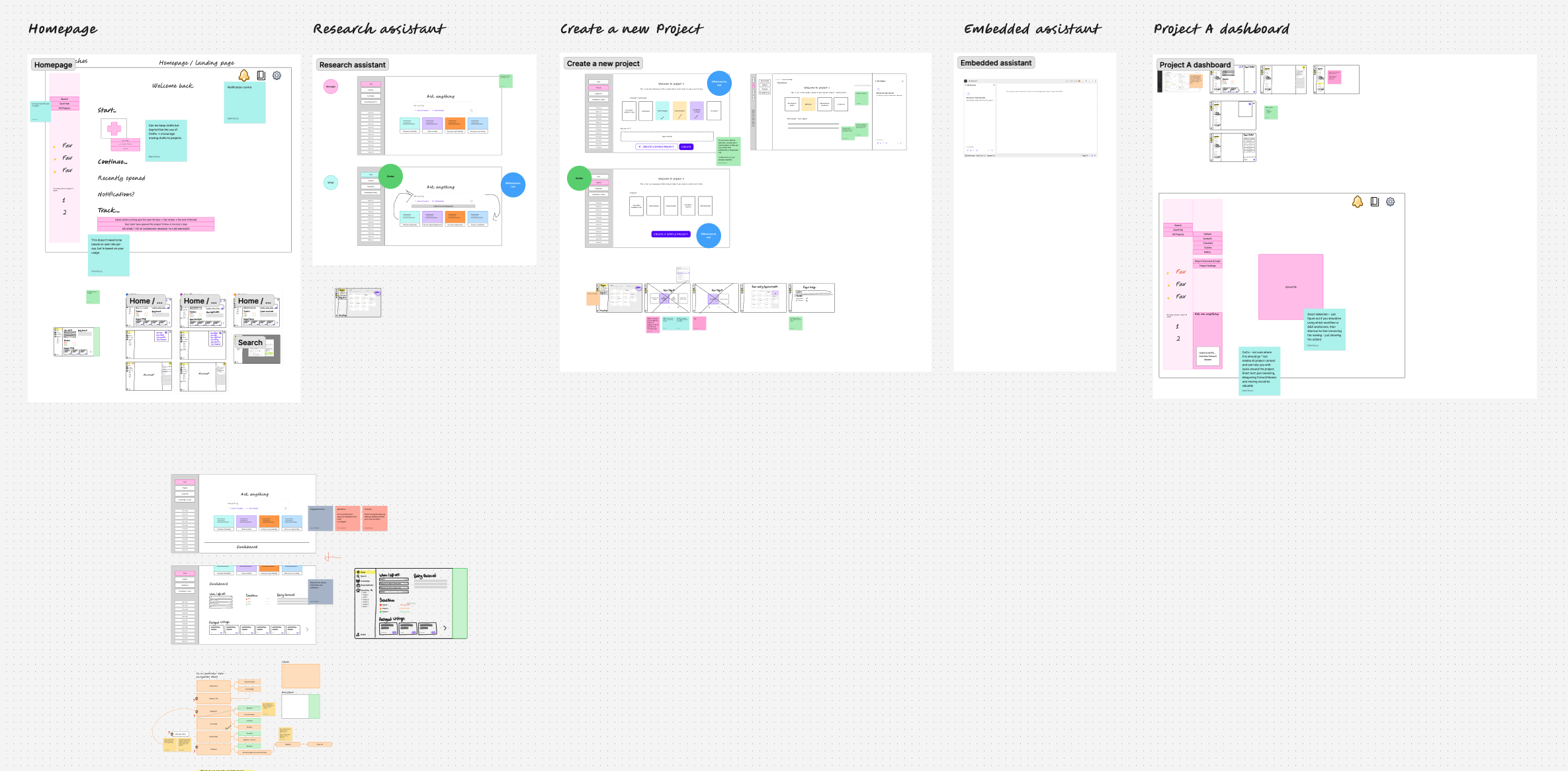
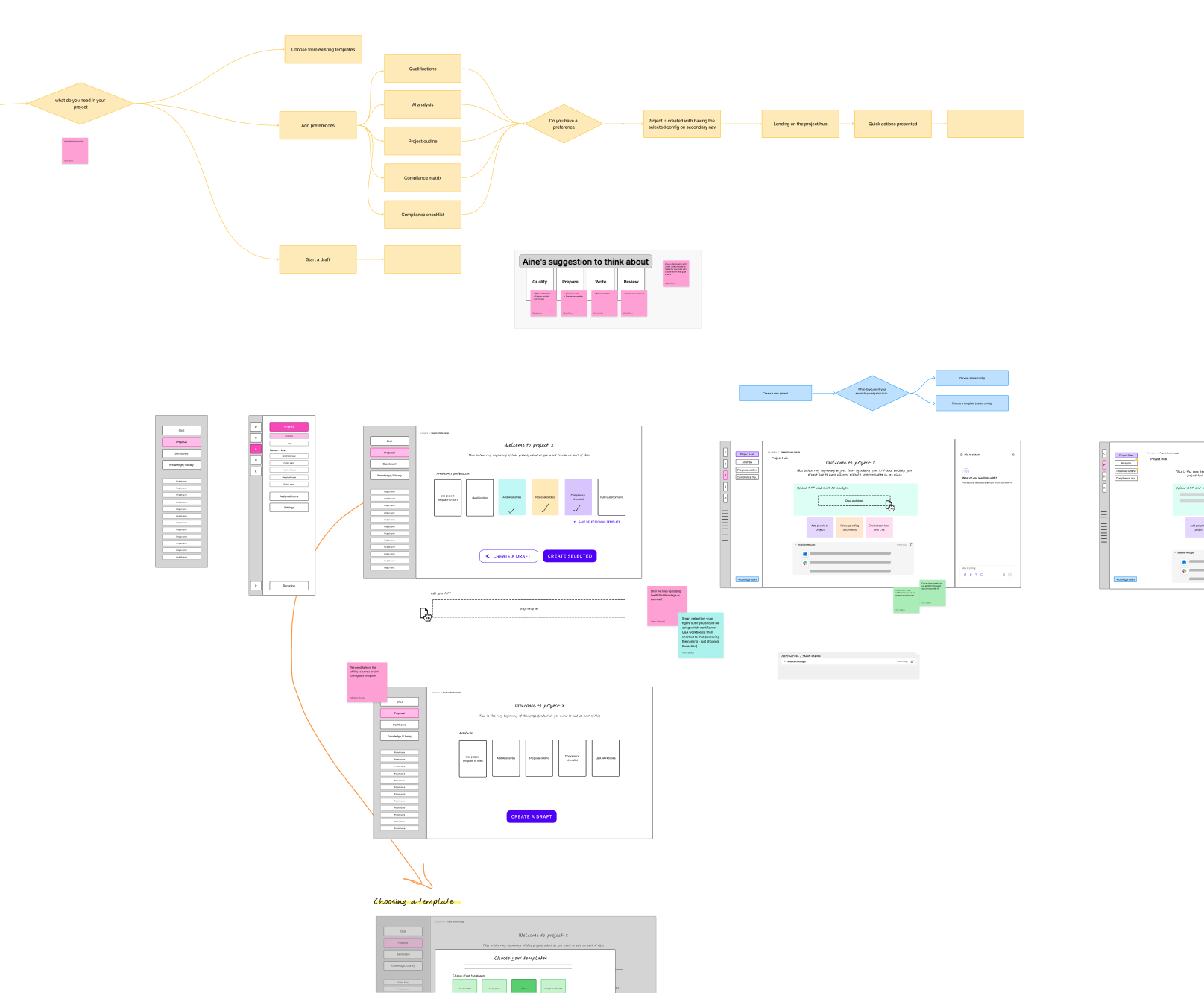
In January the whole build (product design & engineering) team regrouped to redefine the new strategy for this new vision. We listened to all our squads because we all knew most of the pain points that our users were experiencing and therefore had a good grasp of how to solve some things.
During these 2 weeks we looked at the problem from various angles and with an obsession for simplicity and clarity.
Trios were mixed so we could share our knowledge cross-squads and come up with a solution including the end-to-end journey of our app.
Following these initial sessions, Venus and I were working hand-in-hand to define this new vision from the ground up:
looking at user journeys
mapping existing functionality & features
thinking about the information architecture
sketching low-fidelity concepts to put our ideas on paper
analysing other tools that our users love and use every day
starting to define a brand new flow for the app
Refinement
February 2026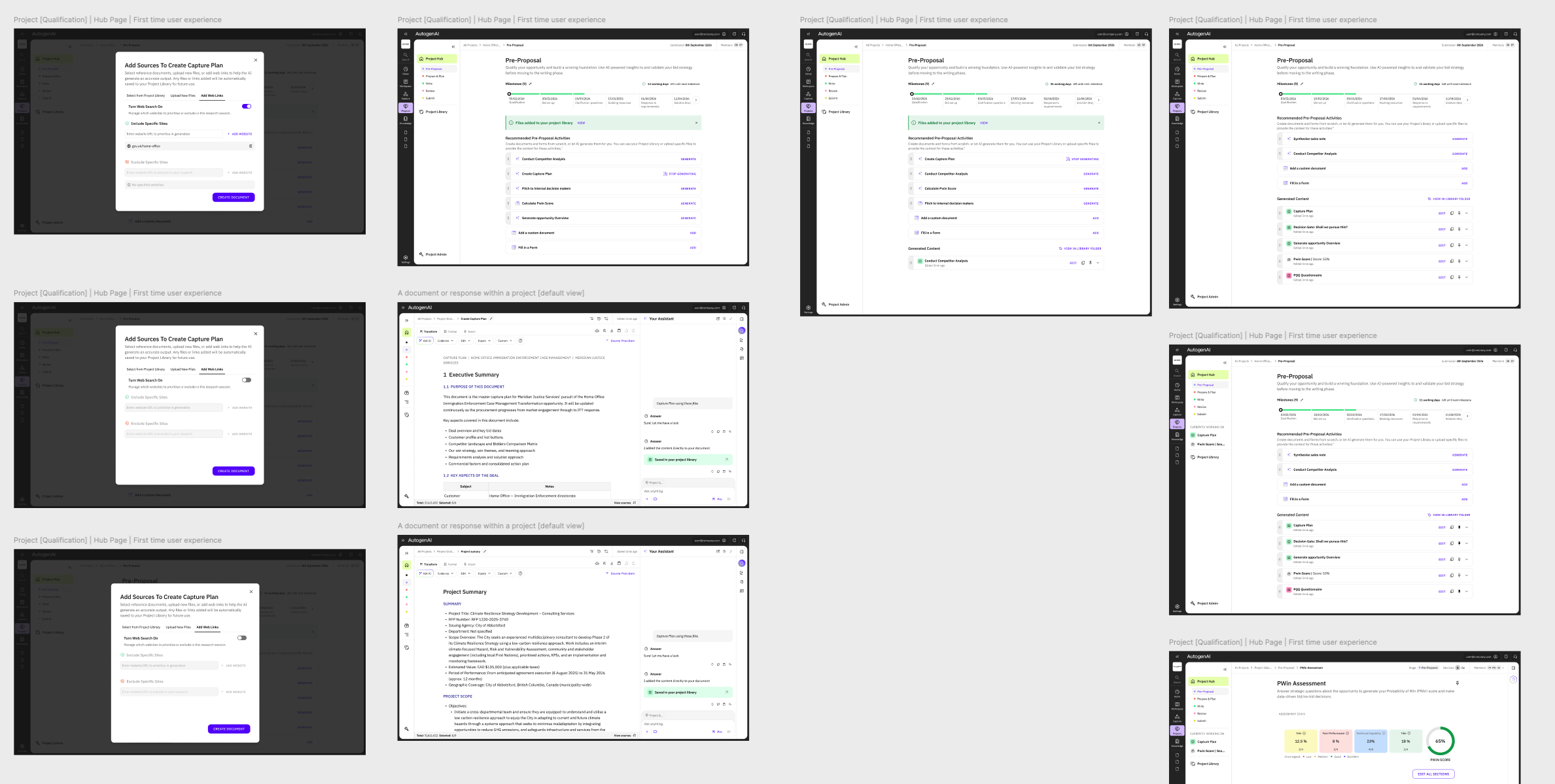
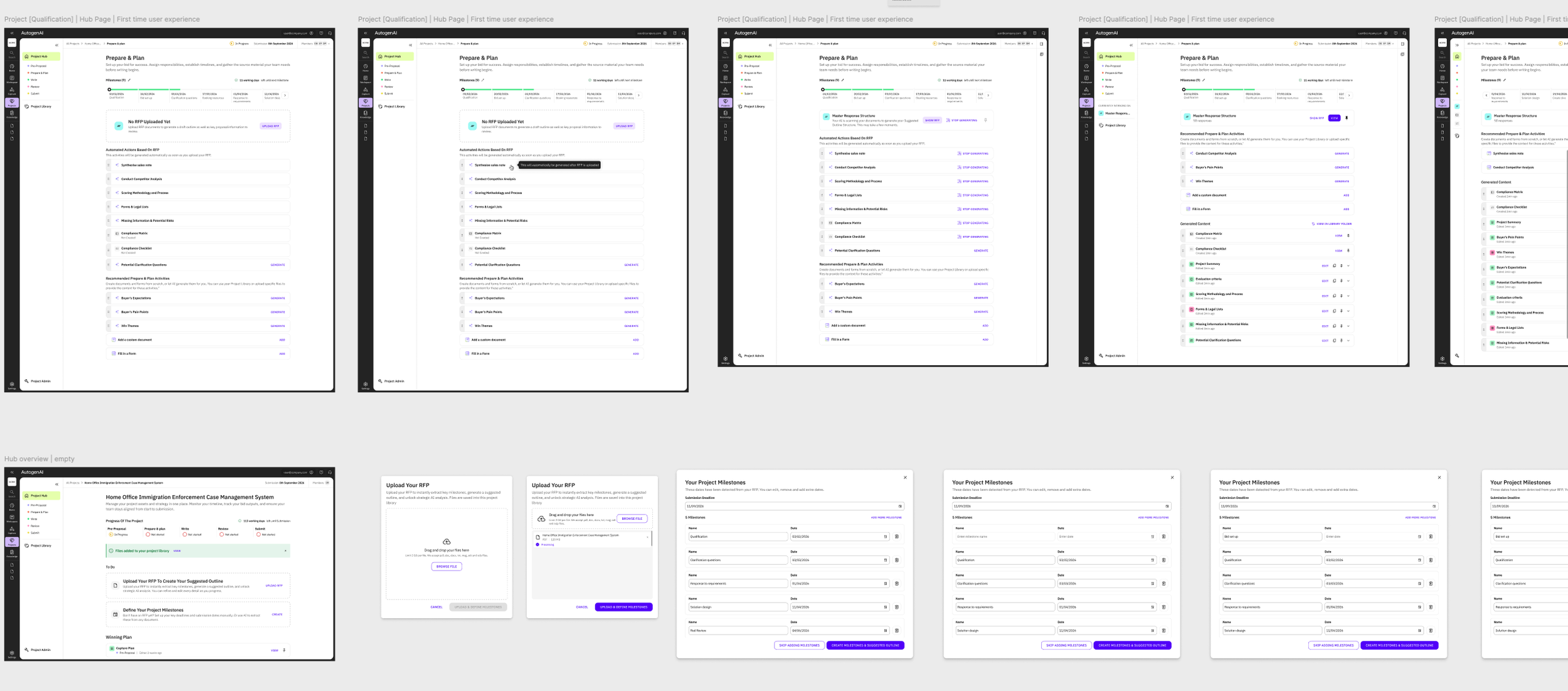
After having done lots of iterations, refined our thinking and validated concepts along the way, we started to design in higher-fidelity. Since our design system is now robust and in place, it allowed us to prototype screens much more efficiently without starting from scratch.
It was now time to look at how we could solve the navigation problems as well as the content hierarchy to create a seamless journey based on system design. The user no longer has to pick a tool, they just need to let us guide them through a flexible yet much more signposted journey throughout their bid lifecycle.
User testing & iterations
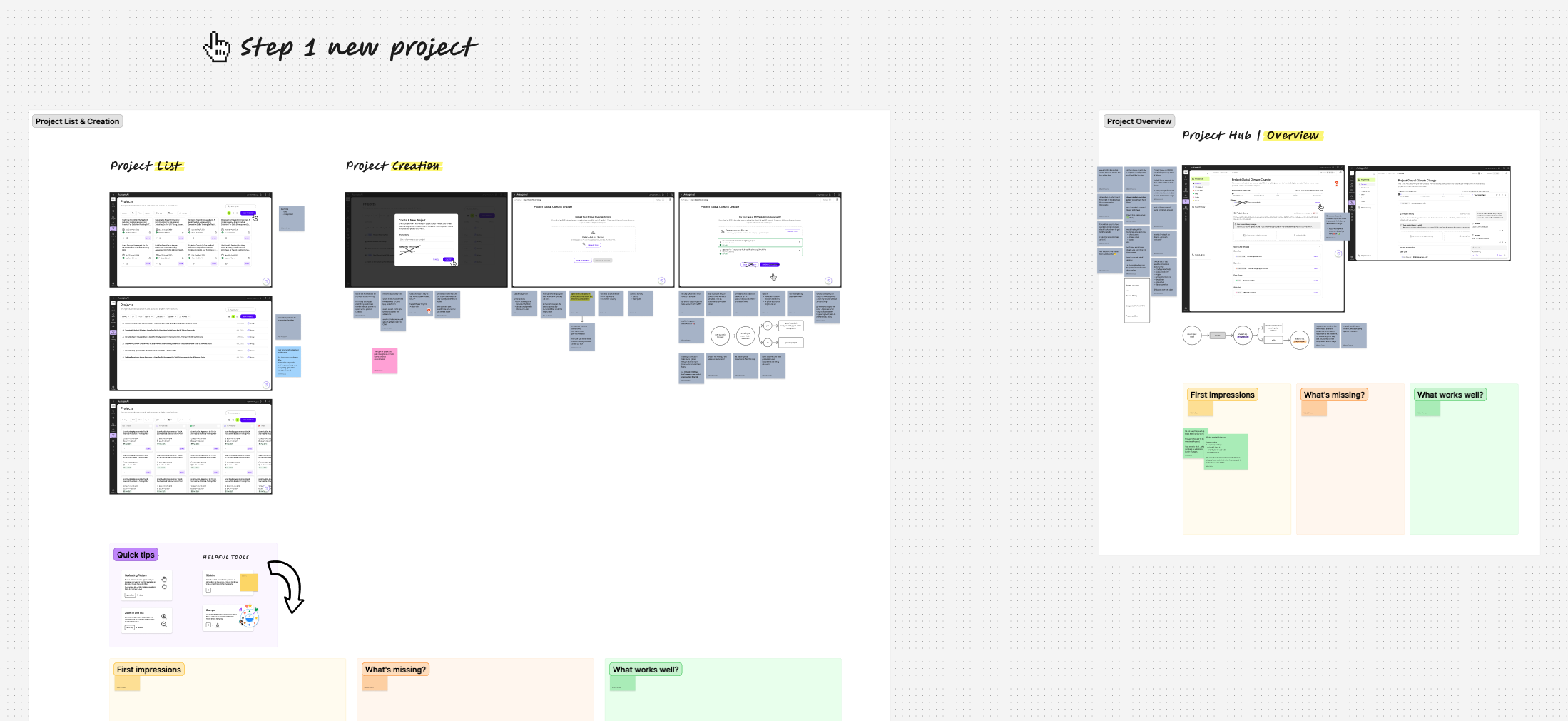
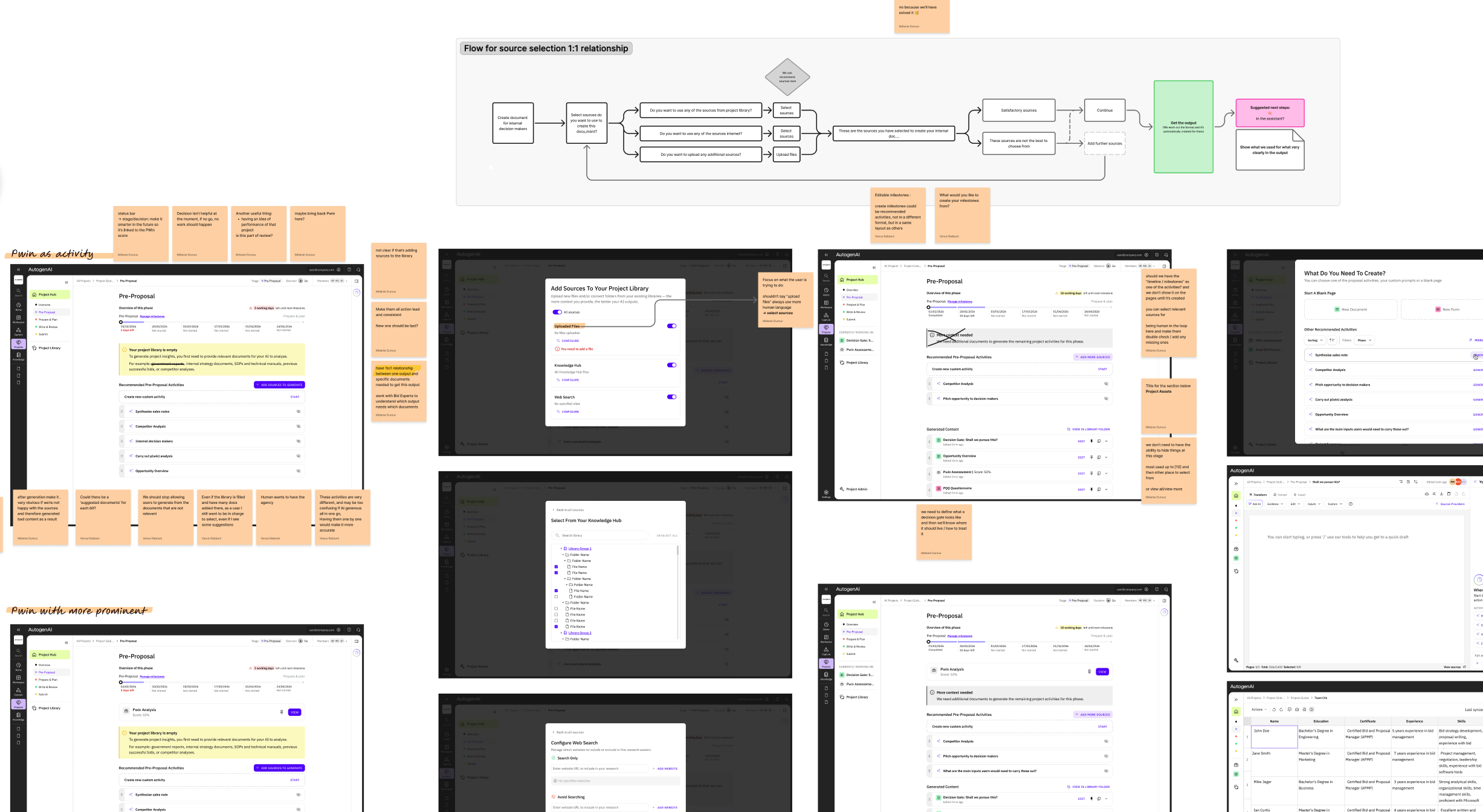
February-March 2026We organised and led workshops internally to validate our thinking and shape the solution together with our stakeholders (C-Suite) as well as our Bid Experts who gave us a lot of their time to help us come up with the best new version of the app.
Validation & Hand-off
March 2026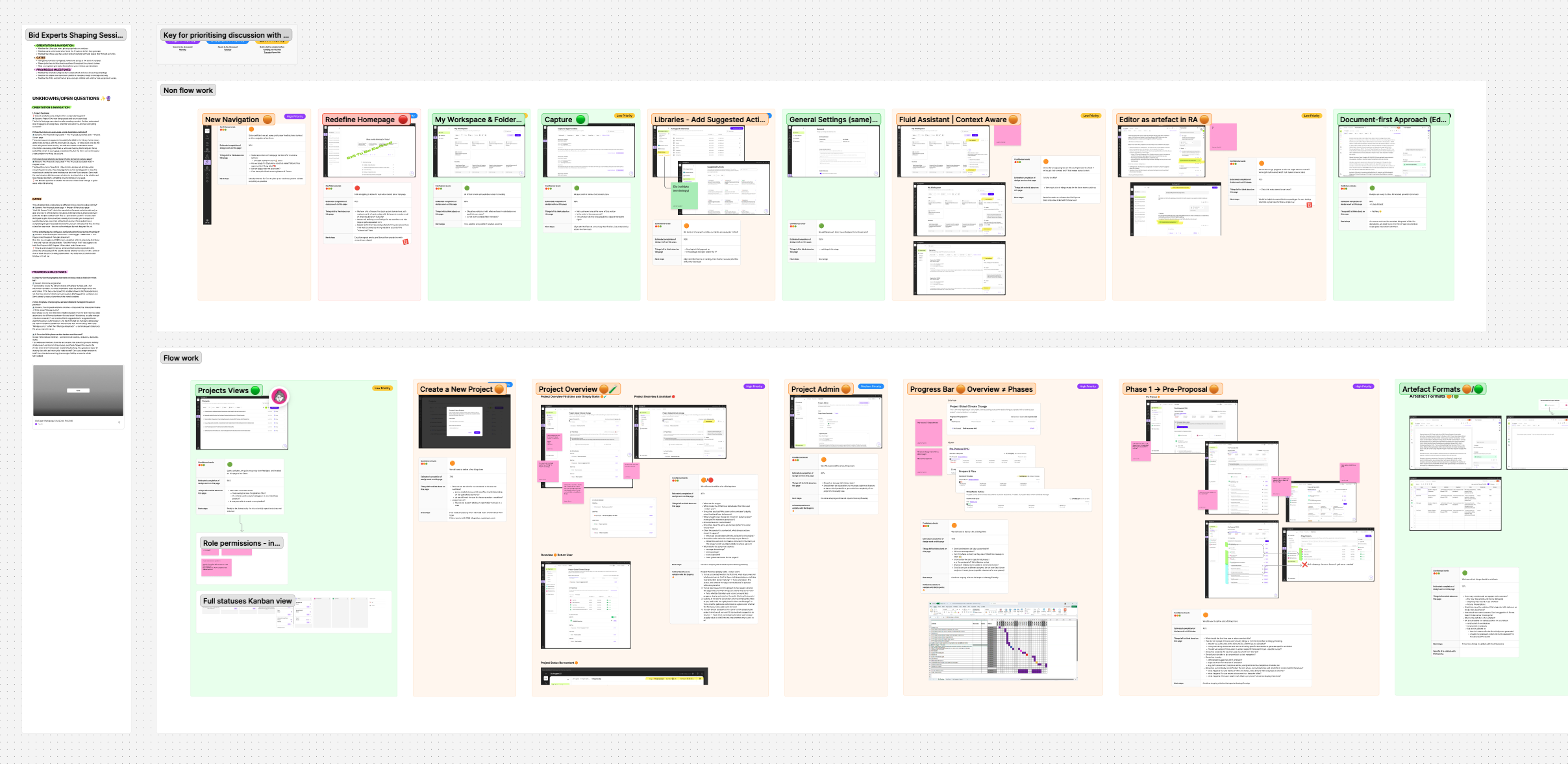
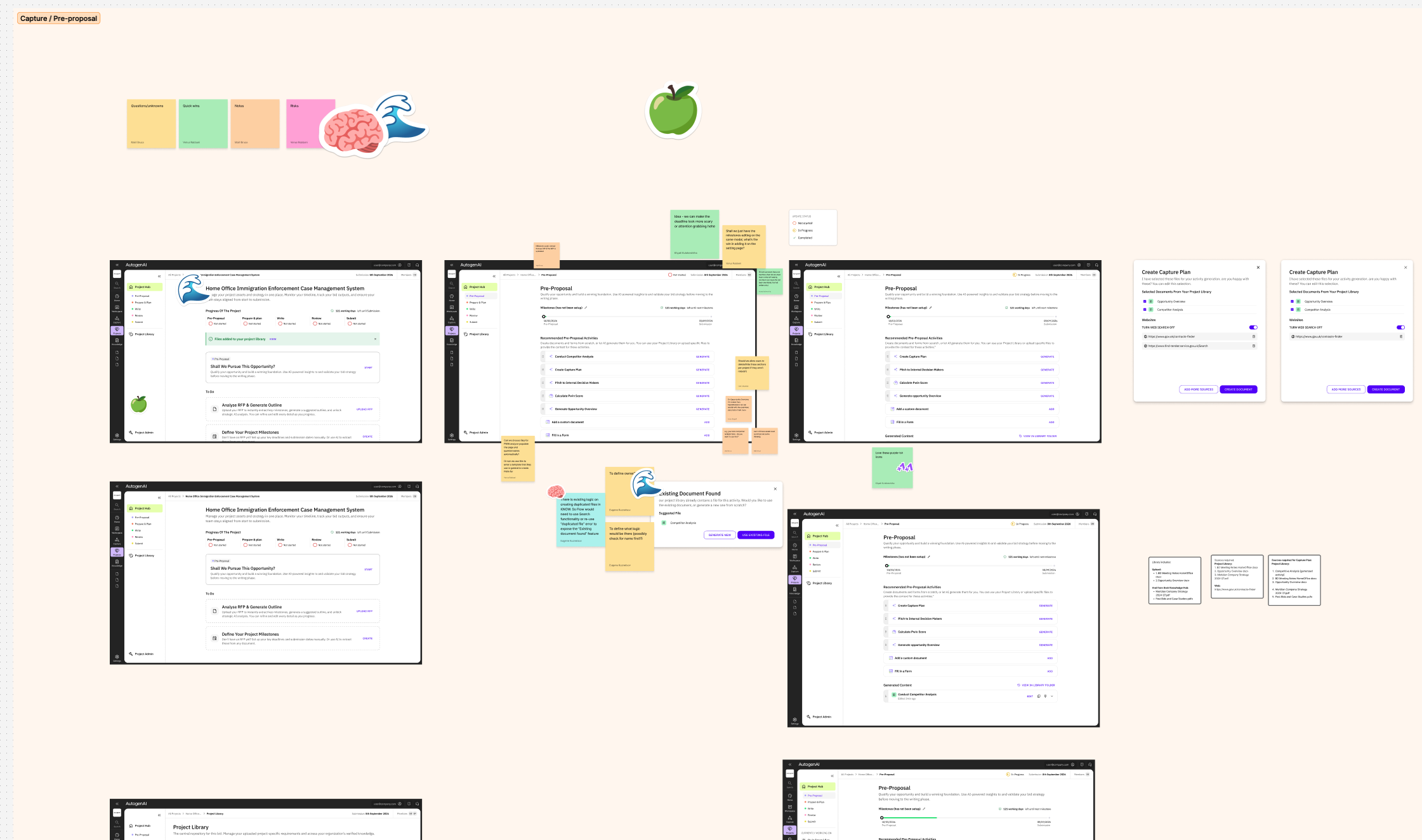
For this project we didn’t have a PM so it was on us to organise our work and prioritise things efficiently to deliver all the new designs for the new version of the app.
I created a Figjam board to have an overview of where we were at and what was completed, in progress, or not started 🔴 🟠 🟢.
After having agreed on a vision and path forward for what we decided to design, we started breaking down all main sections of the app.
It then became really clear where there were still gaps and where we needed to finalise things to be tested.